You keep your
own secrets.
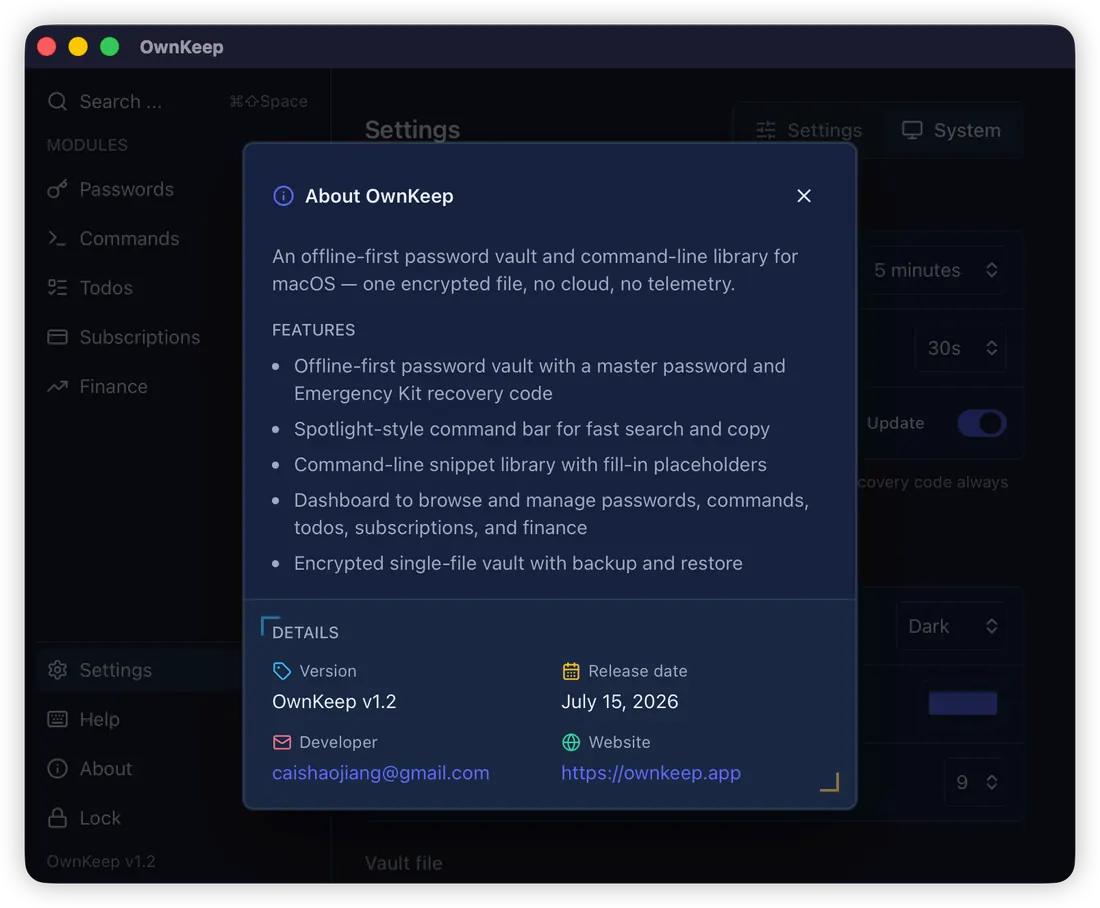
OwnKeep puts shell commands, logins and renewals one hotkey away — in a single encrypted file that never leaves your Mac.
Built like a vault, not a service
- STORAGE
- one portable vault.dat file — move it, back it up, it's yours
- CRYPTO
- Argon2id key derivation + XChaCha20-Poly1305 AEAD
- UNLOCK
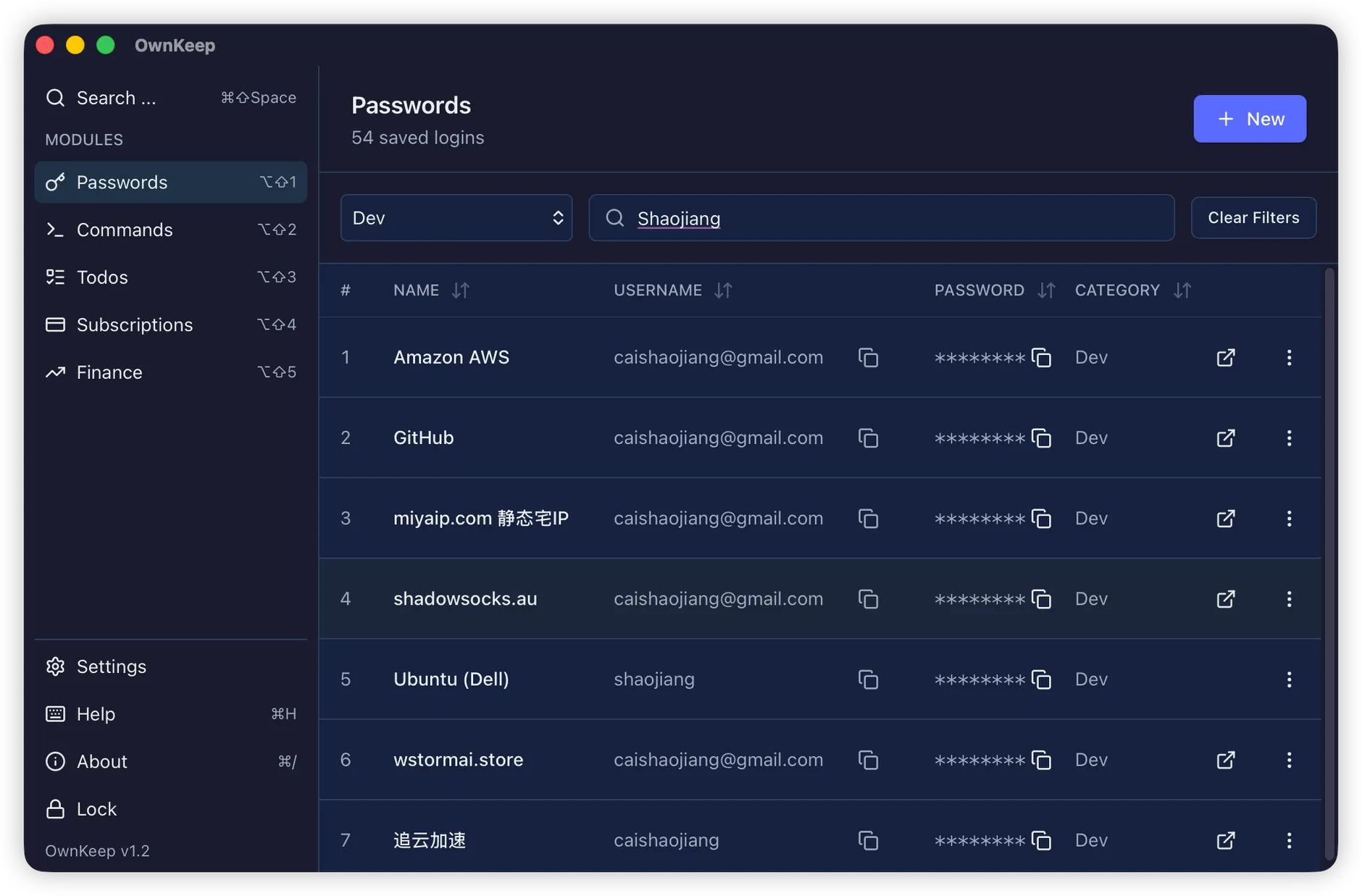
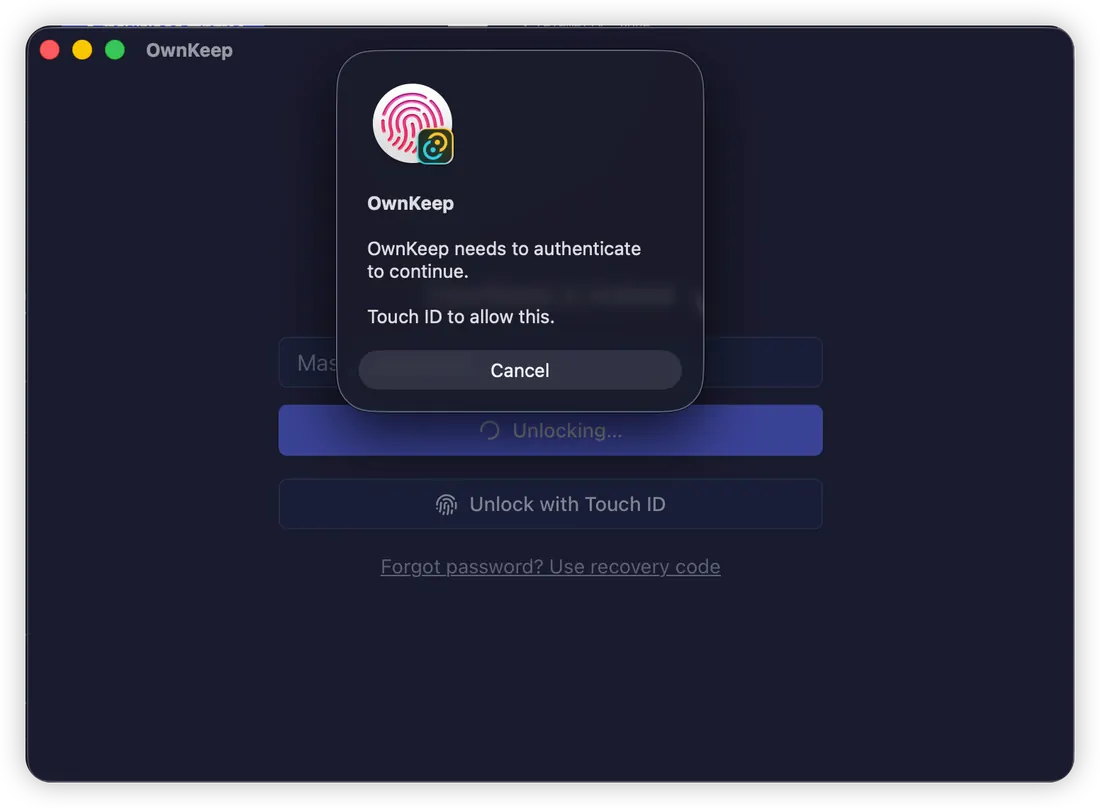
- master password or Touch ID; keys zeroized on lock
- RECOVERY
- 12-word Emergency Kit — shown once, works offline
- CLIPBOARD
- secrets copy as concealed, auto-clear after 30s
- NETWORK
- none. ever.
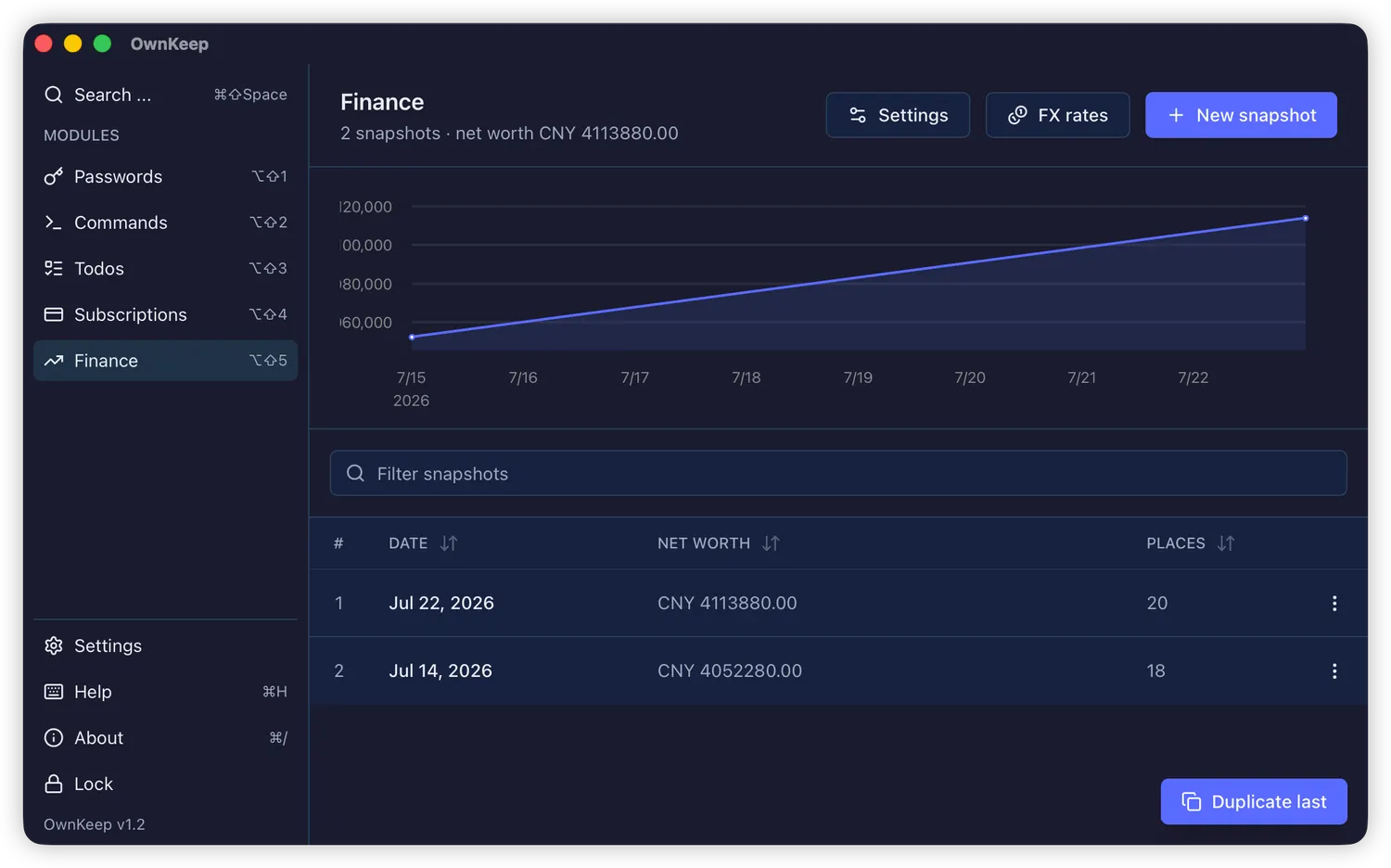
Everything worth keeping, one file
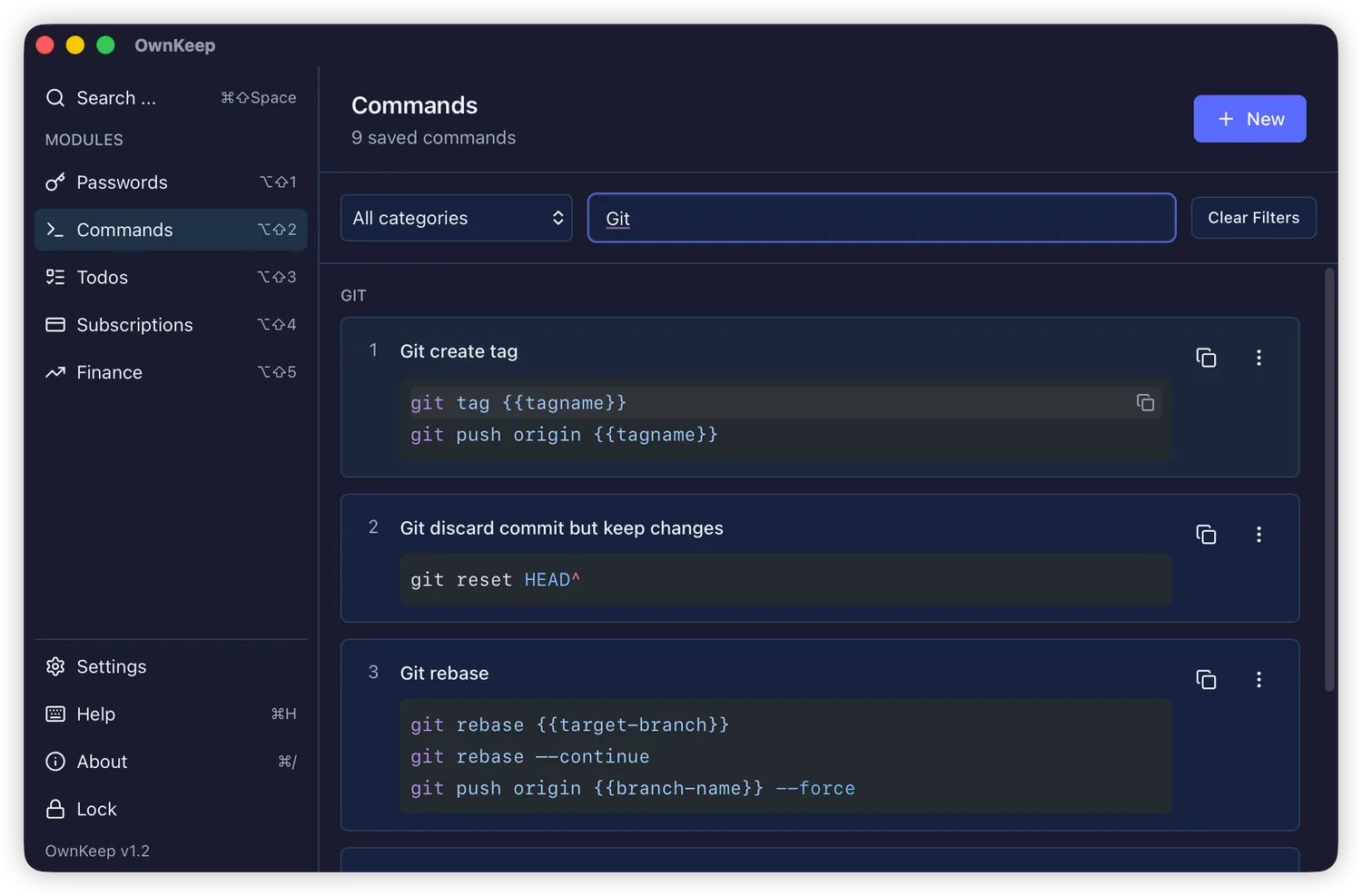
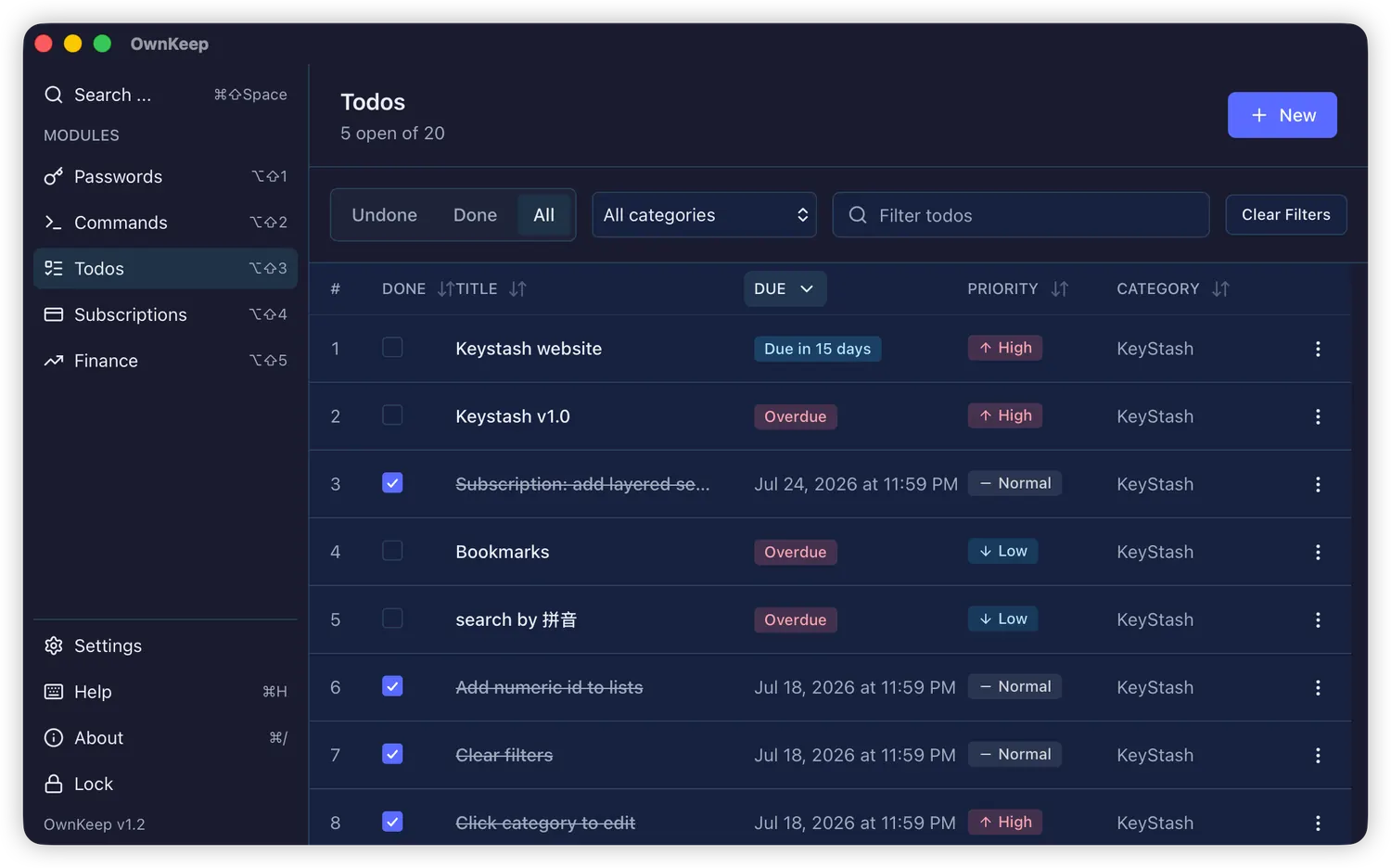
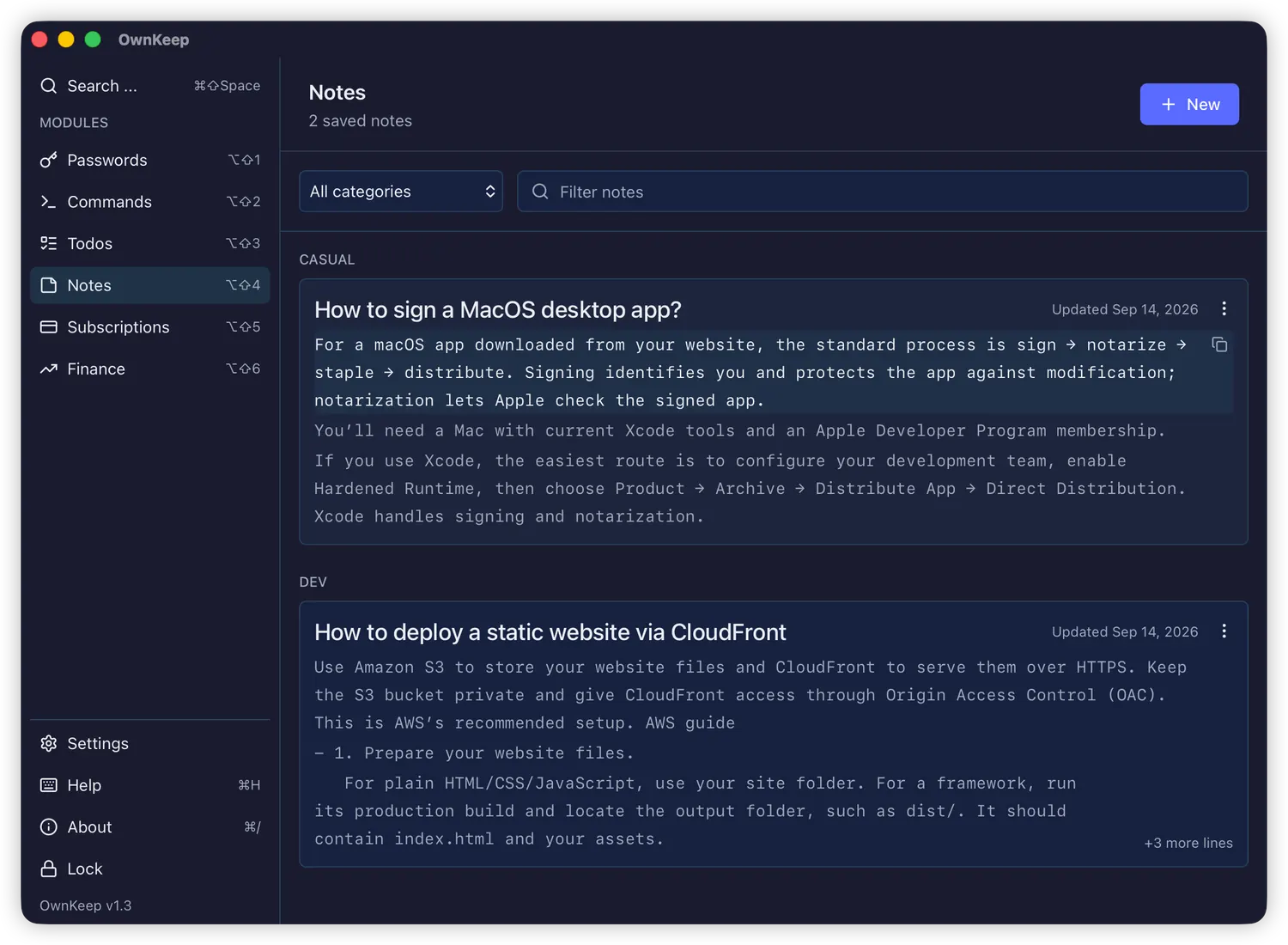
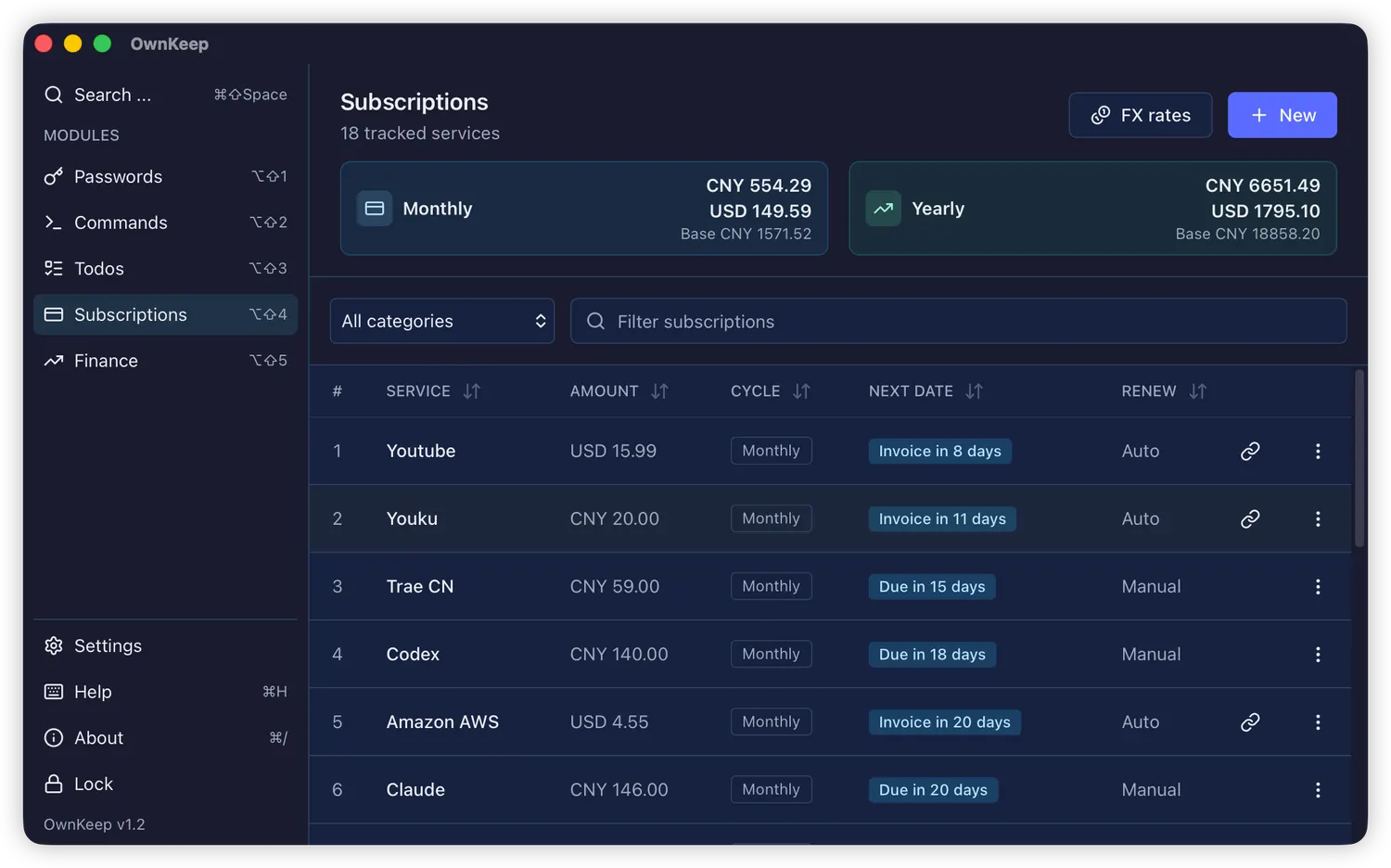
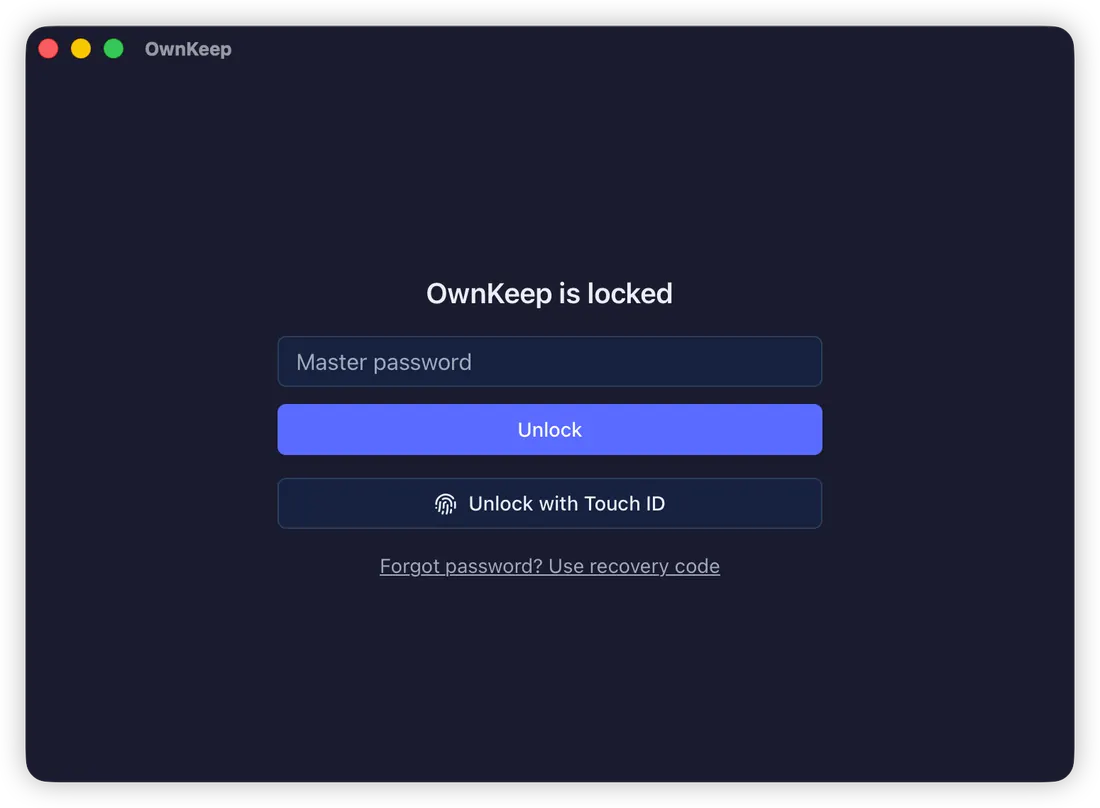
Logins with categories and sortable columns. One keystroke copies a username or password as concealed clipboard data, so history tools never see it. Full-text search, CJK included.
Three letters. A number. Done.
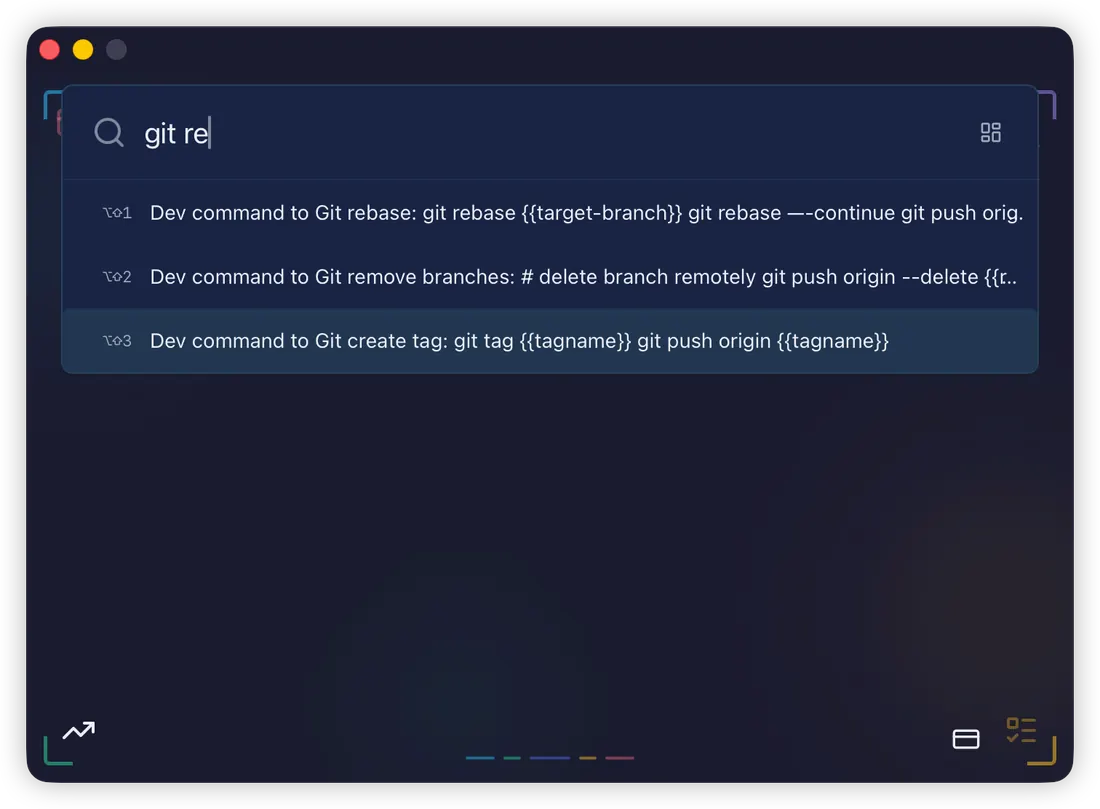
Press ⌘⇧Space in any app and a Spotlight-style bar appears. Results rank by what you actually use, not alphabetically. Hit a number and it's on your clipboard — concealed from clipboard managers, auto-cleared in 30 seconds.
Commands can carry {{placeholder}} markers. Pick one and OwnKeep asks for the values, then copies the finished line — so a placeholder in the middle works as well as one at the end.
- ⌘⇧Space
- summon the command bar
- ⌘⇧D
- toggle the Dashboard window
- ⌥⇧1–9
- run a result's primary action
- ⌥⌘1–9
- copy a command's raw template
- ⌘H
- keyboard-shortcut cheat sheet
- Esc
- gone — hides on blur too
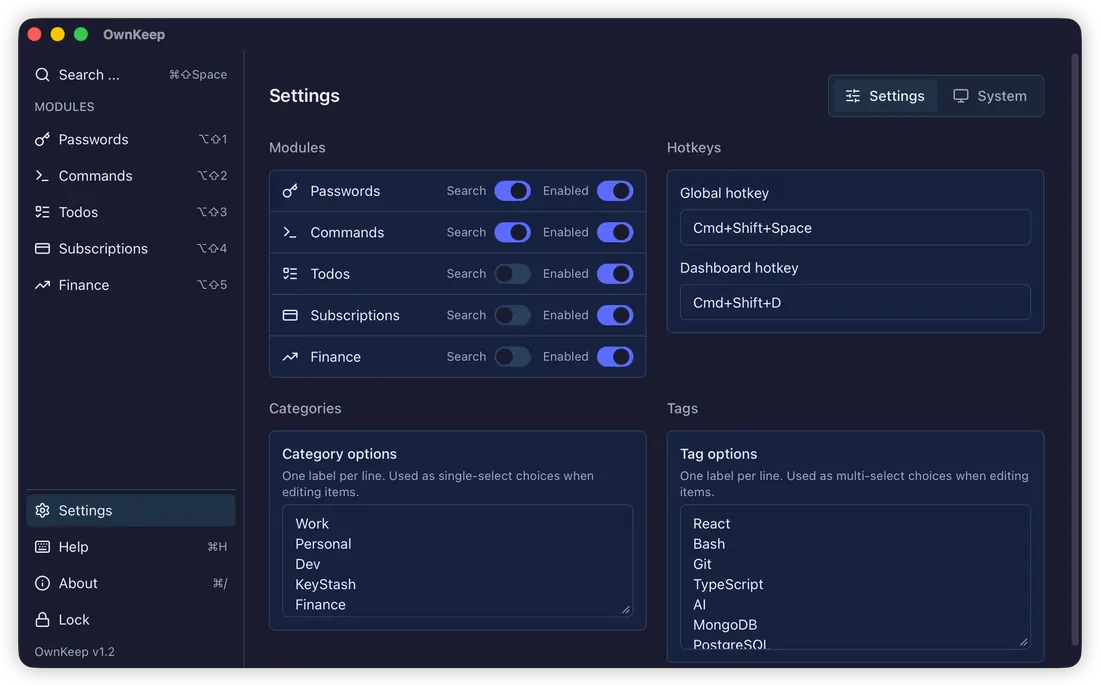
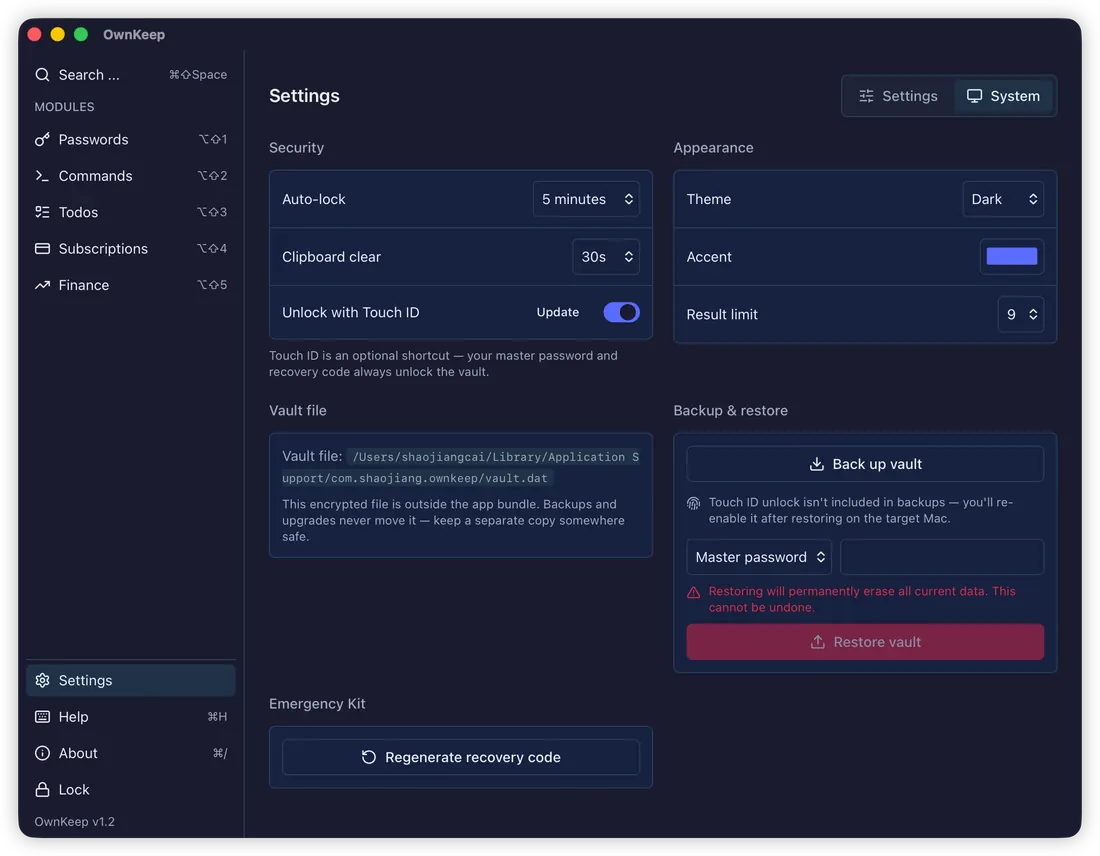
Fast, themeable, yours to shape
Free now. Local forever.
Questions, answered
Built by one person who wanted this to exist
OwnKeep started with a small annoyance: my passwords had a home, and everything else I couldn't afford to lose didn't. It's built with Tauri 2 and a Rust core, held to a 95% test-coverage gate on both sides, and shipped as a plain signed .dmg — no installer, no account, no runtime that phones home. Upgrades never touch your vault: the file lives outside the app, and any change to its shape shows you a migration guide before a single byte is written.
Questions, bug reports, or a module you wish existed? Write to me: caishaojiang@gmail.com